

Decentralized Social Networking on Android
Overview
Mastodon is a free, open-source social networking application designed for Android users seeking an alternative to mainstream platforms. Built on a decentralized architecture, it enables users to connect across independent, self-hosted communities known as instances. This structure allows for greater control over content, privacy, and community rules, offering a more open and inclusive social experience. The app supports microblogging, media sharing, commenting, and real-time interaction, making it ideal for individuals interested in niche topics, activism, creative expression, or simply connecting with like-minded users without algorithmic interference.
Target users include privacy-conscious individuals, content creators, digital activists, and communities seeking autonomy from centralized platforms. While the developer, Mastodon, did not provide additional background details beyond the project’s name, the app’s foundation in open-source principles suggests a collaborative, transparent development model. Real-world use cases include joining topic-specific instances such as technology, art, or environmental advocacy, or creating a custom instance for a local group or organization.
The app is designed for users who value freedom of expression, resistance to surveillance, and community-driven moderation. It operates entirely without advertisements, ensuring a clean and distraction-free environment. Although no official performance benchmarks were provided, the lightweight 14.7 MB size suggests efficient resource usage on mobile devices.
Key Features & Capabilities
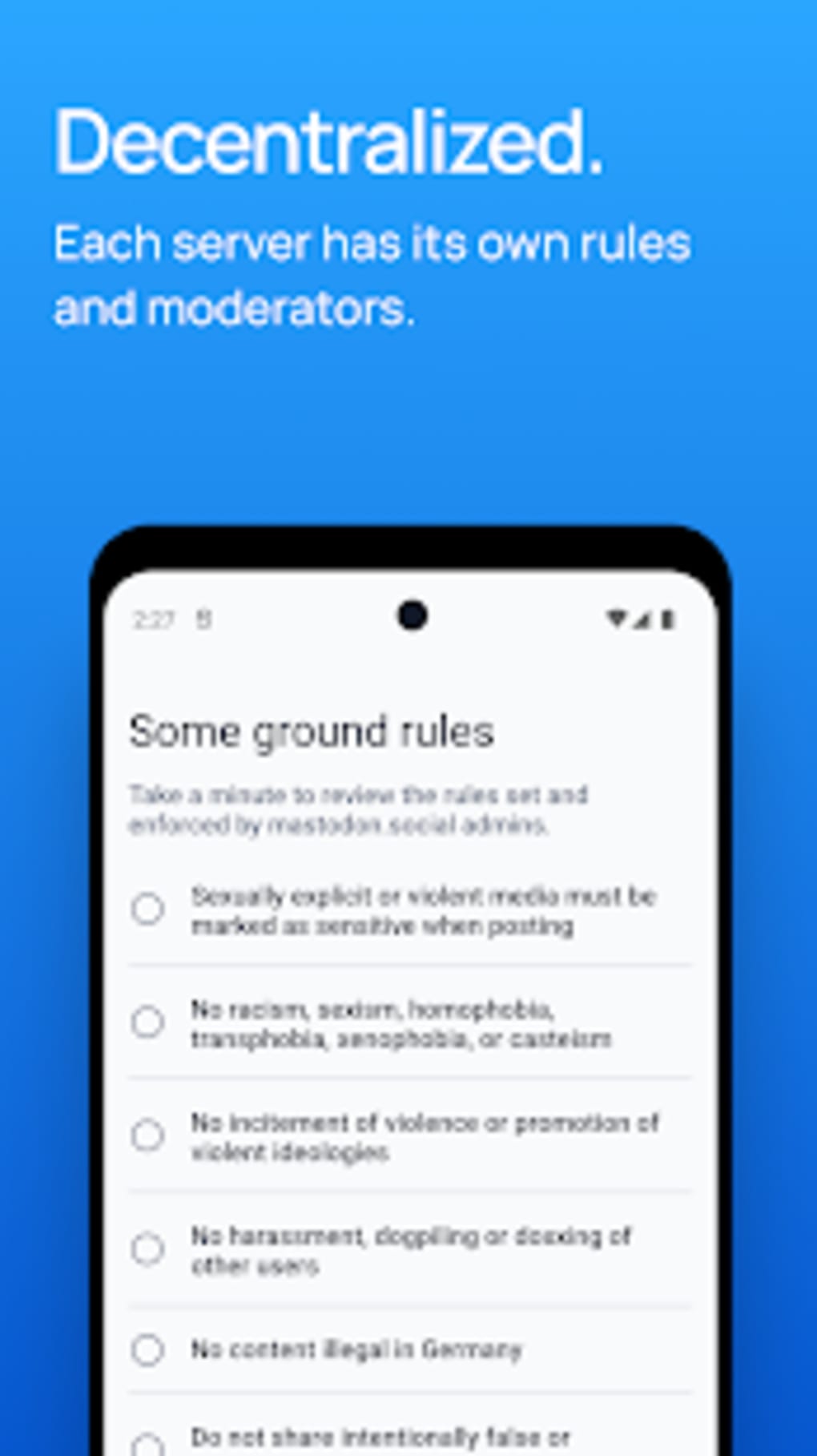
- Decentralized Architecture: Mastodon operates across multiple independent servers (instances), allowing users to choose communities that align with their values and interests. This avoids the monopolistic control seen in traditional platforms.
- Microblogging & Text Posts: Users can publish short-form content, similar to Twitter, with character limits and rich text formatting for enhanced expressiveness.
- Media Sharing: Support for images, videos, and audio uploads enables rich, visual storytelling and content sharing across the Fediverse.
- Comment Threads & Replies: Interactive post replies and nested conversations foster meaningful discussions and community engagement.
- Ad-Free Experience: The platform does not display advertisements, ensuring a focused and uninterrupted user experience.
- Open-Source Foundation: As an open-source project, the code is publicly available, allowing for transparency, community contributions, and auditability.
- Customizable Instances: Users can join existing communities or create their own, giving them full control over moderation, rules, and user policies.
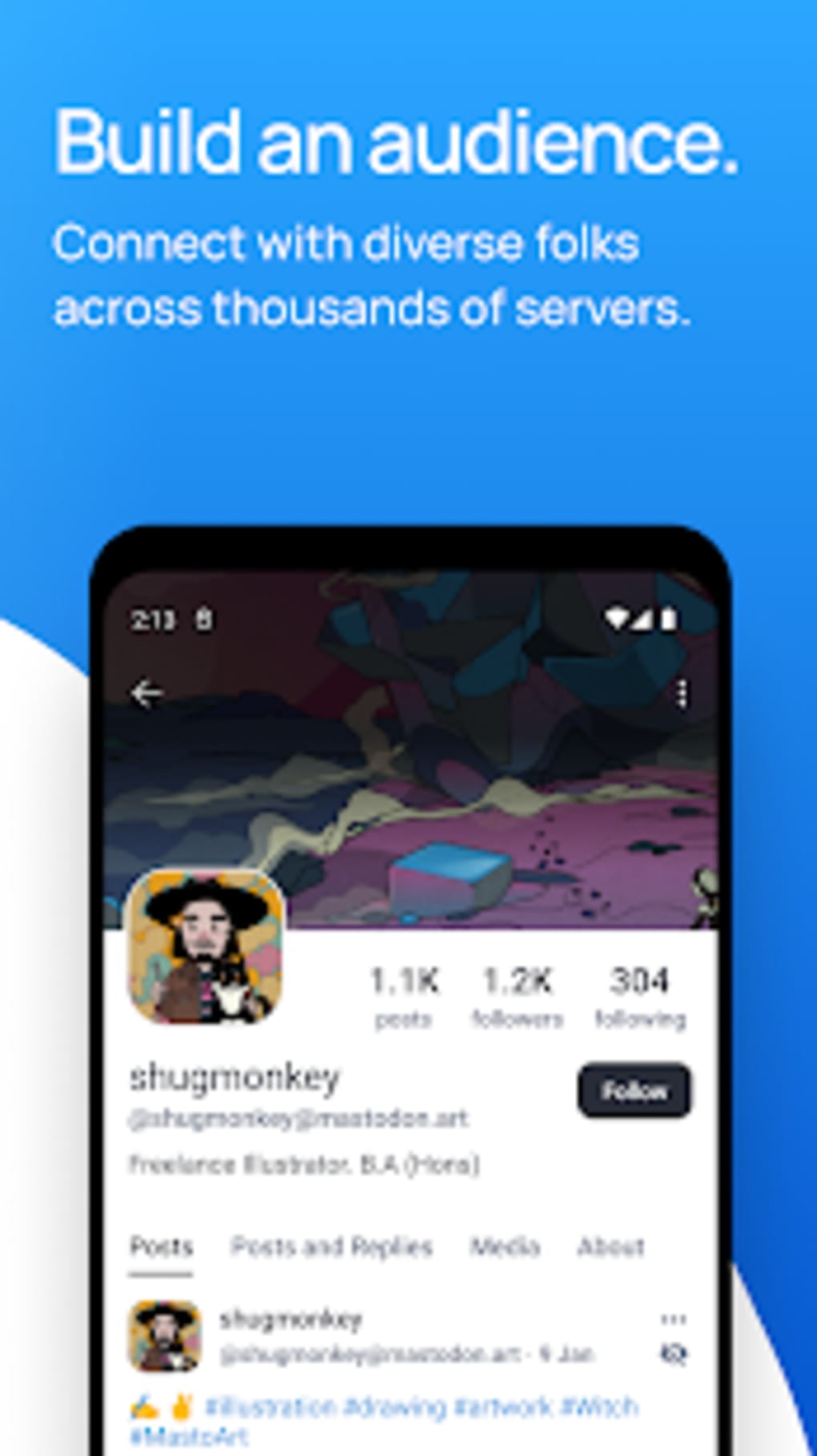
These features enable users to participate in global conversations while maintaining autonomy over their digital presence. For example, a photographer might join an art-focused instance to share work and receive feedback, while a climate activist could engage in a sustainability-oriented community. The ability to follow users across different instances enhances cross-community interaction, fostering a more diverse and dynamic network.
User Interface, Workflow & Performance
The user interface follows a tabbed navigation structure, reminiscent of Twitter, with dedicated sections for the main timeline, replies, and shared media. This layout promotes intuitive navigation and efficient content discovery. The design is clean and minimal, emphasizing readability and ease of use, which contributes to a seamless experience across various Android devices.
Workflow efficiency is enhanced by quick access to posting, replying, and sharing functions. The app supports real-time updates, allowing users to engage with content as it is published. However, exact performance details were not specified by the developer. General software behavior patterns suggest smooth operation on modern Android devices, particularly given the app’s compact 14.7 MB size.
Stability appears to be consistent, with no reported issues in the available documentation. Resource usage, including CPU and RAM consumption, was not disclosed. Users may experience minor delays during high-traffic periods on less active instances, but overall performance is expected to remain reliable for standard social interactions.
Compatibility & System Requirements
Mastodon APK is designed for Android devices and is compatible with the Android operating system. The software version is 3.0.0, with an installation size of 14.7 MB. This lightweight footprint ensures broad compatibility across a wide range of Android smartphones and tablets, including entry-level models.
Exact system requirements were not listed by the developer. It is recommended to ensure that the device is running a current version of Android to maintain optimal functionality. The app does not require root access or special permissions beyond standard mobile capabilities such as internet access, storage, and camera use for media uploads.
Pros and Cons
Pros
- Free and open-source with no advertisements
- Decentralized structure promotes user autonomy and privacy
- Supports cross-instance interaction and community creation
- Lightweight at just 14.7 MB
- Intuitive tabbed interface for easy navigation
- Ad-free experience enhances focus and usability
Cons
- No built-in localized feed based on user location
- Instance selection requires some research and decision-making
- Less familiar interface for users accustomed to mainstream platforms
- Performance may vary depending on instance activity and server load
- Limited official support channels for troubleshooting
FAQ Section
Is Mastodon available for Android?
Yes, Mastodon is available as an APK for Android devices. It can be installed via the Google Play Store or third-party clients such as Tusky, Subway Tooter, or Fedilab.
Is Mastodon safe to use?
As an open-source platform, Mastodon allows for public code review, enhancing transparency. However, safety depends on the instance chosen, as each operates independently with its own moderation policies. Users should select reputable instances for a secure experience.
How often does Mastodon receive updates?
Updates are released periodically by the development team. The current version is 3.0.0, and users are encouraged to keep the app up to date for improved features and security.
Is Mastodon a free software?
Yes, Mastodon is completely free to download and use. There are no subscription fees or in-app purchases.
Can I use Mastodon offline?
While the app requires an internet connection for posting and real-time interaction, some features like viewing previously loaded content may be accessible offline, depending on the client and device settings.
Final Thoughts
Mastodon delivers a compelling, decentralized alternative to mainstream social networks, offering users greater control, privacy, and freedom of expression. Its lightweight design, clean interface, and ad-free environment make it a strong choice for those seeking a more open and community-driven social experience. While the lack of a localized feed and the need to select an appropriate instance may present minor learning curves, the benefits far outweigh these limitations.
It is particularly well-suited for creators, activists, and niche communities who value autonomy and transparency. For users tired of algorithm-driven feeds and data harvesting, Mastodon provides a refreshing, ethical alternative.
Download Mastodon now to join a growing network of independent communities and experience social media on your own terms.





.png)

